
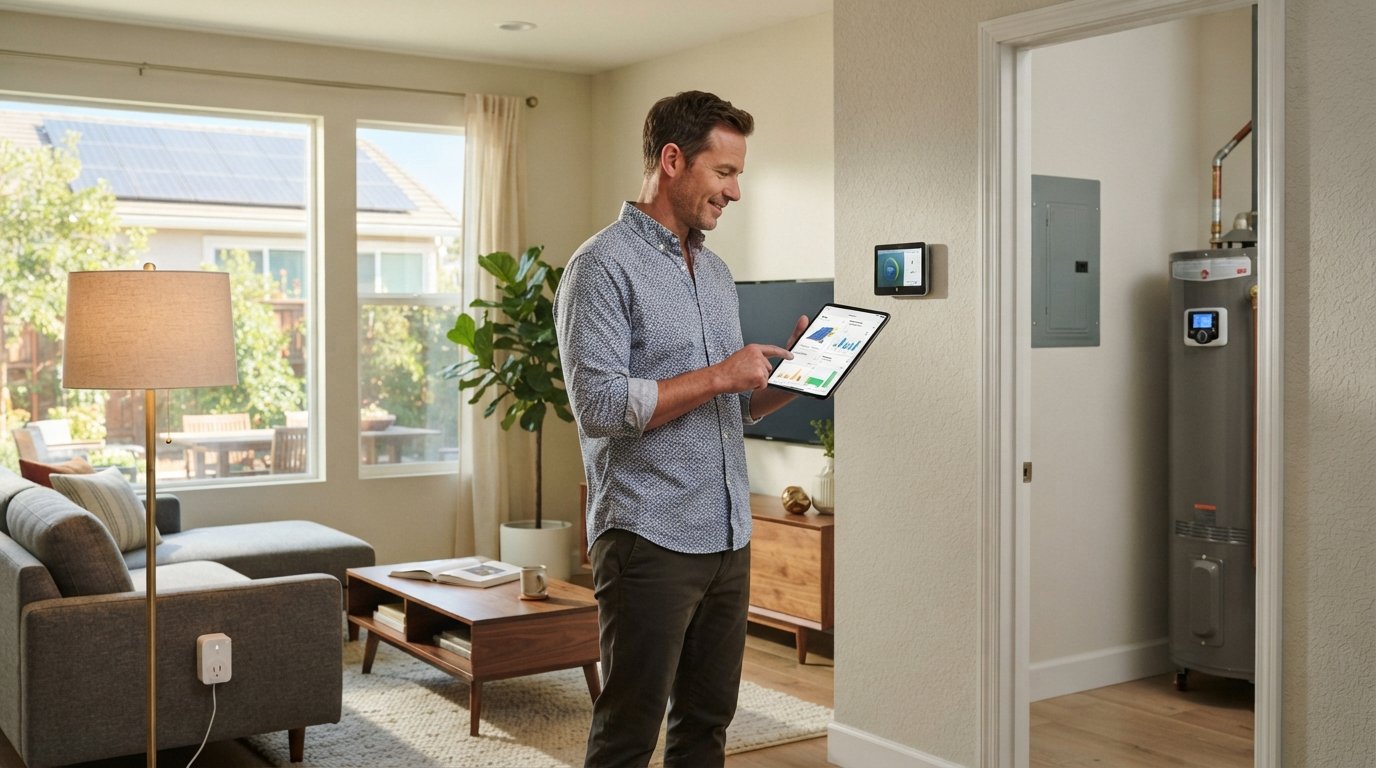
How to Integrate Smart Home Devices with a Solar System
Sync smart devices with your solar system to maximize self-consumption and cut bills. Call (833)-793-7166 for expert help.

By Leo Owens
Learn more about Solar Panel Installation and Repair for guides, costs, and what to expect.
Compare Solar Panel Installation and Repair Pros Near You

Enter your ZIP code to compare top-rated local professionals and request free quotes.
Your solar panels generate clean electricity all day, but without intelligent coordination, much of that power may flow back to the grid while you pay for utility electricity in the evening. Integrating smart home devices with your solar system changes that dynamic. By syncing lights, appliances, and climate controls with real-time solar production, you can maximize self-consumption, reduce reliance on the grid, and squeeze more value from every kilowatt-hour your panels produce. This guide walks you through the practical steps, from choosing compatible devices to automating heavy loads and avoiding common setup pitfalls.
Which Smart Devices Pair Best with Solar and Battery Systems
Not every smart device is worth automating around solar production. The best candidates are high-wattage appliances and systems that can shift their run time without disrupting your daily routine. Devices that consume a lot of energy and offer scheduling flexibility deliver the biggest return on your integration effort.
Start with these categories, which consistently yield the strongest self-consumption gains:
- Smart thermostats (e.g., ecobee, Google Nest): Pre-cool or pre-heat your home while panels are producing, then relax the setpoint during peak evening hours.
- Smart water heaters (e.g., Rheem, A.O. Smith): Heat water midday when solar excess is highest, and store it for evening use.
- Smart plugs and relays for dehumidifiers, pool pumps, and space heaters: Automate these loads to run only when solar production exceeds household demand.
- EV chargers (e.g., Wallbox, Emporia): Schedule charging sessions to coincide with peak solar hours or battery surplus.
- Smart lighting and shades: Minor loads individually, but useful for signaling solar status and reducing evening consumption.
Battery systems add another layer. If you have a home battery like a Tesla Powerwall or Enphase IQ Battery, smart devices can be programmed to prioritize battery charging during the day and discharge in the evening, further reducing grid draw. The key is to choose devices that support open APIs or work with a central hub that can ingest solar production data.
Automating Heavy Loads to Run When Panels Produce Most
The core principle of solar-smart integration is load shifting: run energy-intensive tasks when your panels are generating excess power instead of pulling from the grid later. This is especially valuable under time-of-use (TOU) rates or net metering policies that credit exports at lower rates than retail consumption.
To automate effectively, you need a trigger and a schedule. The trigger is typically a solar production threshold (e.g., "when production exceeds 3 kW") or a battery state of charge (e.g., "when battery is above 80%"). The schedule defines which devices activate. Many solar monitoring platforms (SolarEdge, Enphase, SunPower) expose this data via APIs or local integrations.
Here is a simple framework to get started:
- Identify your top three energy hogs by reviewing smart meter or solar monitoring data. Common winners: HVAC, water heating, EV charging, pool pump.
- Check device compatibility with your solar inverter or a hub like Home Assistant, SmartThings, or Hubitat. Look for native integrations or community plugins.
- Set automation rules that turn devices on when solar production crosses a threshold and turn them off when production drops or battery state falls below a reserve.
- Add manual overrides so you can still control devices when needed (e.g., a boost button for the water heater).
- Monitor and adjust after a week: fine-tune thresholds to avoid excessive cycling or comfort complaints.
For example, a homeowner with a 6 kW solar array and a smart water heater might set a rule: "If solar production > 4 kW for 15 minutes, turn on water heater; if production < 2 kW, turn off." This simple automation can push self-consumption from 40% to 70% or more, dramatically improving payback. If you are also considering battery storage to complement these efforts, our guide on adding a battery to solar later explains how to plan for future capacity.
Monitoring Dashboards That Combine Solar and Smart Home Data
You cannot optimize what you do not measure. A unified dashboard that shows solar production, home consumption, battery state, and individual device usage gives you the insights needed to refine automations and spot anomalies. Many solar inverters come with their own monitoring apps, but they rarely integrate device-level data.
To bridge that gap, consider these approaches:
- Manufacturer ecosystems: Tesla app, Enphase Enlighten, SolarEdge monitoring. These show solar and battery data but limited smart device control.
- Smart home hubs with energy dashboards: Home Assistant Energy, SmartThings Energy, and Hubitat Dashboard can pull data from multiple sources (solar API, smart plugs, thermostat) into one view.
- Dedicated energy monitors: Emporia Vue, Sense, and Neurio install at the electrical panel and provide circuit-level consumption data, which can be correlated with solar production.
- Third-party platforms: Services like Solar-Log or EnergyHub aggregate data from various devices and utilities.
For most homeowners, a combination of the solar inverter app plus a smart home hub (e.g., Home Assistant) offers the best balance of cost and flexibility. Home Assistant, in particular, has a vibrant community with integrations for dozens of solar inverters and smart devices, allowing you to build custom dashboards and automations without monthly fees. If you are not technically inclined, start with the inverter app and add a whole-home energy monitor; you can always layer in more sophistication later.
Avoiding Device Conflicts and Setup Pitfalls
Integrating smart devices with solar is not always plug-and-play. Several common pitfalls can undermine your efforts or even damage equipment. Being aware of them upfront saves time and frustration.
Protocol fragmentation is the biggest challenge. Smart devices communicate over Wi-Fi, Zigbee, Z-Wave, Thread, and proprietary protocols. Your solar inverter might only speak Modbus or a cloud API. A hub that supports multiple protocols (like Home Assistant with a Zigbee/Z-Wave stick) can unify them, but expect a learning curve.
Cloud dependency and latency can break automations. Many devices rely on cloud services; if the internet goes down, your solar-aware automation may fail. Prefer devices with local control (e.g., Zigbee, Z-Wave, or local APIs) for critical loads. Also, cloud polling intervals (often 5-15 minutes) may be too slow for tight load-shifting; look for local push updates.
Inverter clipping and export limits can interact with battery charging and device automation. If your inverter clips production at a certain level, adding loads may not increase solar harvest; instead, it may just reduce export. Understand your system's behavior before assuming every extra load is free.
Warranty and electrical safety: Automating high-power devices with smart relays may void warranties or violate electrical codes if not installed properly. Use UL-listed smart plugs and consult a licensed electrician for hardwired appliances. For professional guidance on selecting qualified contractors for solar and smart home work, resources like ContractorHomeQuotes offer vetted local professionals and project planning tools.
Finally, over-automation can cause discomfort or excessive equipment cycling. Set conservative thresholds and include manual overrides. Test one automation at a time and monitor for a week before adding more.
Building a Step-by-Step Integration Plan
With the fundamentals covered, here is a practical sequence to integrate smart devices with your solar system. This plan assumes you already have solar panels installed and net metering or TOU rates in place.
- Audit your energy use: Use your utility portal or a home energy monitor to identify the top three controllable loads. Note their wattage and daily run times.
- Choose a control hub: Select a smart home platform that supports your solar inverter and preferred devices. Home Assistant is the most flexible; SmartThings is easier for beginners.
- Upgrade key devices: Replace or add smart controls for your water heater, thermostat, EV charger, and pool pump. Prioritize devices with local APIs and energy monitoring.
- Connect solar data: Integrate your inverter or battery into the hub. Verify that production and consumption data update in real time (or near real time).
- Create automations: Start with one simple rule (e.g., water heater on when production > X). Gradually add more as you gain confidence.
- Monitor and optimize: Review weekly reports from your hub or energy monitor. Adjust thresholds to balance savings and comfort.
Expect the entire process to take a few weekends if you are doing it yourself, or a day or two with a professional integrator. The investment in time pays off through lower electric bills and greater energy independence.
Maximizing Savings and Avoiding Surprise Bills
Smart integration is not just about convenience; it is a financial strategy. By increasing self-consumption, you reduce the amount of electricity you buy from the grid at retail rates, which is especially valuable if your utility has high TOU rates or has moved to less favorable net metering policies.
To quantify the benefit, calculate your self-consumption ratio before and after integration. Most solar-only homes self-consume 30-50% of production; with smart load shifting, that can rise to 70-80%. If you export at $0.05/kWh and import at $0.20/kWh, each kWh shifted from export to self-consumption saves $0.15. For a 10 MWh annual production system, shifting an extra 2 MWh saves $300 per year.
Batteries amplify these savings but also add cost. If you are considering storage, evaluate whether smart devices alone can achieve your goals first. Many homeowners find that a $500 smart hub and a few smart plugs deliver most of the benefit at a fraction of the cost of a battery. That said, batteries provide backup power and can further increase self-consumption, so the right choice depends on your priorities.
Always verify current incentives and rate structures, as they change frequently. Your solar installer or a reputable quote service can help you model the economics. For personalized guidance and to compare quotes from pre-screened installers, FreeSolarPowerQuotes offers a free, no-obligation service that connects you with local professionals who understand smart home integration.
Integrating smart home devices with your solar system is one of the highest-leverage upgrades you can make after going solar. It transforms your home from a passive energy producer into an active, intelligent participant in the grid. Start small, measure results, and expand gradually. The combination of solar production and smart consumption puts you in control of your energy future.