
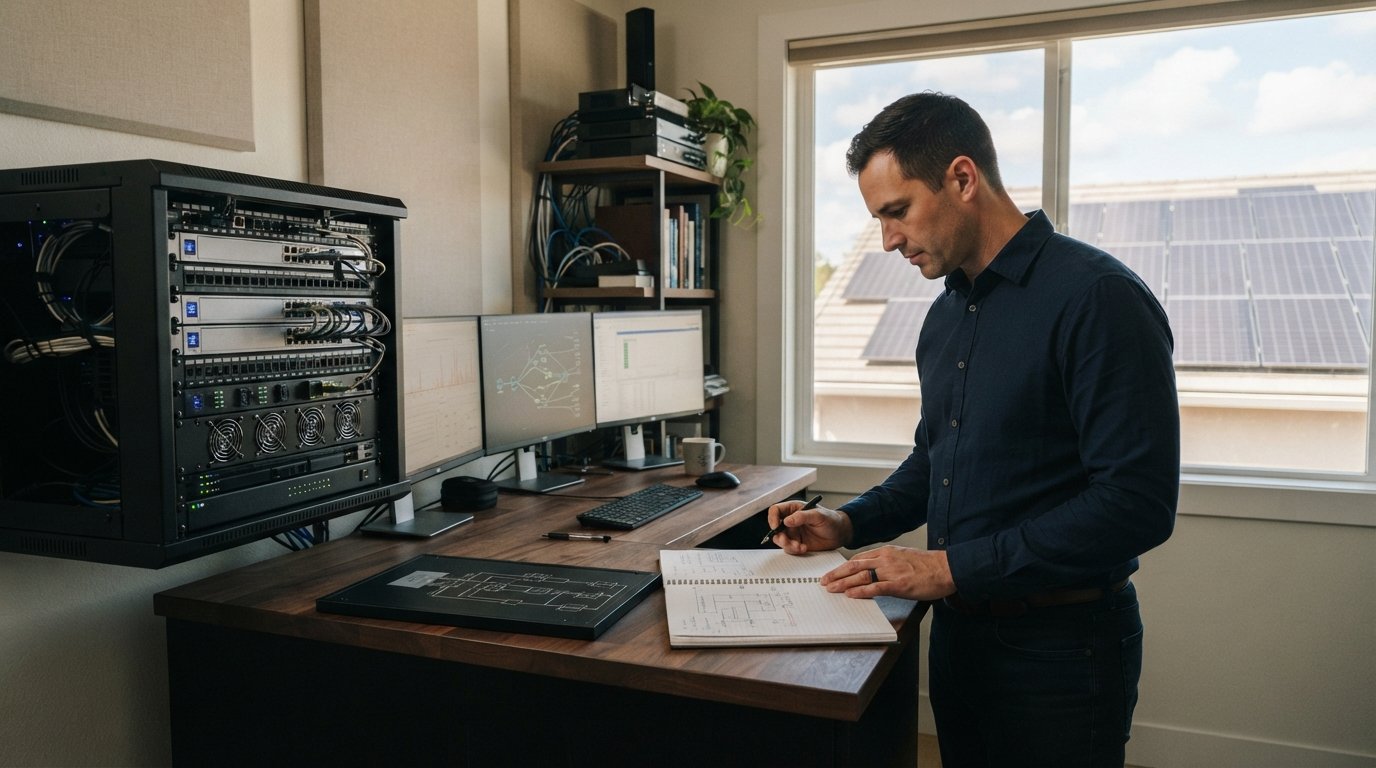
Solar Plus Home Office and Data Center Load Planning
Master solar plus home office and data center load planning to size solar and battery backup for reliable uptime. Call (833)-793-7166 for expert guidance.

By Elena Walsh
Learn more about Solar Panel Installation and Repair for guides, costs, and what to expect.
Compare Solar Panel Installation and Repair Pros Near You

Enter your ZIP code to compare independent local professionals and request free quotes.
Your home office is no longer just a desk and a laptop. It is a command center with multiple monitors, a high-performance workstation, networking gear, and often a small server rack or lab environment. When you add solar to the mix, the planning challenge jumps from simple bill offset to true load engineering. You need to know exactly how much power your IT equipment draws, how much heat it generates, and how to keep it running when the grid goes down. This guide walks you through the practical steps of solar plus home office and data center load planning, from estimating load profiles to sizing a system that keeps your workday uninterrupted.
Why Home Office and Data Center Loads Are Different
Traditional home solar sizing focuses on monthly kilowatt-hour consumption. That approach works fine for lights and appliances, but it falls short for IT loads. A workstation that draws 400 watts during a render job and 80 watts at idle creates a load profile that changes minute by minute. Add a server rack with redundant power supplies, a network switch, and a small cooling unit, and you have a load that is both steady and spiky. Solar plus home office and data center load planning must account for these dynamics, not just average daily use.
The stakes are higher, too. A brief outage that dims your living room lights is an inconvenience. A brief outage that drops your server or corrupts a project file is a business continuity event. That is why load planning for a home office or small data center must include battery backup, surge protection, and a clear understanding of how your uninterruptible power supply (UPS) interacts with solar production.
Estimating IT Equipment, Cooling, and Networking Load Profiles
Start with a load inventory. Walk through your office and list every device that plugs into the wall, then note its typical and peak wattage. Manufacturer labels and online spec sheets give you a baseline, but a plug-in power meter gives you real numbers. Measure each device over a full workday to capture idle, active, and peak draw. For a typical home office with a workstation, two monitors, a laptop dock, a router, a switch, and a NAS, you might see 200 to 600 watts continuous, with peaks over 1,000 watts when the workstation and monitors ramp up.
If you run a small server room, the load profile is more complex. Servers often draw 300 to 800 watts each, and a rack with several units can easily exceed 2,000 watts. Cooling is the hidden load: a portable air conditioner or mini-split dedicated to the room might add 500 to 1,500 watts while it runs. Networking gear is usually modest (50 to 150 watts for a router, switch, and modem), but it runs 24/7, so its energy contribution adds up. Here is a simple framework to organize your estimate:
- IT load: Workstations, monitors, servers, NAS, and peripherals. Measure both idle and peak.
- Networking load: Router, modem, switches, and access points. These are continuous loads.
- Cooling load: Portable AC, mini-split, or fans. Note duty cycle and peak draw.
- Support load: UPS charging, lighting, and any small appliances. Do not overlook phantom loads.
Once you have these numbers, convert them to a daily energy figure in kilowatt-hours (kWh). For example, a 400-watt continuous IT load running 10 hours per day uses 4 kWh. A 1,000-watt cooling unit that runs 50 percent of the time over 10 hours uses 5 kWh. Add networking at 100 watts continuous (2.4 kWh per day) and support loads at 50 watts continuous (1.2 kWh per day), and your total is roughly 12.6 kWh per day for the office alone. That figure becomes the foundation for solar sizing and battery backup planning.
Sizing Solar to Offset a Home Office or Small Server Room
Solar sizing for a home office starts with your daily energy target. If your office consumes 12 to 15 kWh per day, you need a solar array that produces at least that much on an average day, plus a margin for cloudy weather and seasonal variation. A 5 kW solar system in a sunny climate might produce 20 to 25 kWh per day, which gives you headroom. In a cloudier region, you might need 7 to 8 kW to hit the same target. The key is to use your measured load profile, not a generic monthly average, so the system matches your actual work patterns.
Consider when your loads run. If you work standard business hours, your solar production overlaps nicely with your IT and cooling loads. That means you can use solar directly and reduce the amount of energy you pull from the grid. If you run servers 24/7, you will need either a larger array or a battery to shift solar energy into the night. In that case, solar plus home office and data center load planning becomes a balancing act between array size, battery capacity, and grid interaction. A qualified solar provider can model your specific usage and recommend a configuration that maximizes self-consumption.
Do not forget efficiency upgrades before you size the array. Swapping an older workstation for a more efficient model, consolidating servers with virtualization, or adding a smart thermostat to the server room can shave hundreds of watts off your continuous load. Those reductions translate directly into a smaller, less expensive solar system. For a deeper look at how solar integrates with other home electrification projects, see our guide on solar plus heat pump clothes dryer, which covers load planning for another high-draw appliance.
Battery Backup for Uptime and Outage Protection
For a home office or data center, battery backup is not optional. A UPS gives you minutes of runtime to save work and shut down gracefully, but a solar battery gives you hours. The right battery size depends on your critical load and how long you need to ride through an outage. Start by identifying the devices that must stay online: your network gear, a primary workstation, and any server that handles active projects. Measure their combined wattage, then multiply by the hours of backup you want. A 500-watt critical load backed up for 8 hours requires 4 kWh of usable battery capacity. Add a margin for battery efficiency and depth of discharge, and you might specify a 5 kWh battery.
Battery chemistry and inverter compatibility matter. Lithium iron phosphate (LFP) batteries are common for residential storage because they are safe and have a long cycle life. Make sure your battery can seamlessly transition during an outage, and that your solar inverter can continue to produce power when the grid is down. Some inverters require a separate transfer switch or a dedicated backup panel. Work with your installer to design a backup circuit that isolates your critical loads, so the battery is not drained by non-essential devices. This is where solar plus home office and data center load planning pays off: a well-designed backup panel keeps your servers and network alive without oversizing the battery.
Thermal Management and UPS Interaction with Solar
Heat is the enemy of uptime. Every watt your IT equipment consumes becomes heat that must be removed. A small server room with 1,500 watts of IT load needs roughly 5,100 BTU per hour of cooling, which is about half a ton. Portable AC units and mini-splits are common solutions, but they add to your electrical load. Plan for cooling as part of your solar sizing, and consider whether you can use passive cooling or a ducted system to reduce peak demand. If your solar system is sized without cooling in mind, you may find yourself pulling more from the grid than expected during summer months.
Your UPS also interacts with solar in ways that are easy to overlook. A double-conversion UPS continuously conditions power, which can waste energy as heat. A line-interactive UPS is more efficient for home office loads. When the grid fails, your UPS bridges the gap until the solar battery takes over. Make sure the transfer time of your battery system is compatible with your UPS runtime, so there is no gap that drops your servers. Some modern hybrid inverters can coordinate with a UPS to provide a seamless transition, but this requires careful setup. Test the sequence during installation: simulate an outage and confirm that your critical loads stay online without a hiccup.
Off-Grid and Hybrid Configurations for High-Availability Work
If your work depends on high availability, you may be considering an off-grid or hybrid solar configuration. A true off-grid system requires enough solar and battery capacity to cover your loads through cloudy periods, which can mean a significantly larger array and battery bank. For most home offices, a hybrid grid-tied system is more practical: it uses solar and battery for self-consumption and backup, while the grid provides a safety net for extended bad weather. Hybrid systems also let you participate in net metering or time-of-use programs, which can improve your return on investment.
Designing a hybrid system for a data center load requires careful attention to generator backup and load management. If you have a generator, make sure your inverter can accept generator input and that the transfer switch isolates your backup loads correctly. Load management devices can shed non-critical loads (like a space heater or a second AC unit) when the battery is low, preserving runtime for your servers. As you plan, keep in mind that solar plus home office and data center load planning is an iterative process: measure, model, and adjust as your equipment changes. For homeowners who also need to coordinate repairs or upgrades around their solar project, platforms like Repairmen can help match you with independent local service providers for appliance repair, remodeling, and maintenance, so your infrastructure stays in good shape.
Finally, document your system. Keep a load inventory, a single-line diagram of your electrical setup, and a record of your battery and solar settings. If you ever add a server or upgrade your cooling, you can revisit your load plan and adjust accordingly. That documentation also helps when you compare quotes from independent solar providers, because you can share real numbers instead of guesses.
Solar plus home office and data center load planning is the difference between a system that merely offsets your bill and one that keeps your work running through any conditions. By measuring your loads, sizing solar and storage to match, and designing for thermal and UPS interactions, you build a resilient, efficient workspace that pays for itself over time.